Ever written off a work PC because it felt slooooooow?
In a lot of cases, it’s not age doing the damage. It’s small, everyday habits slowing things down over time.
A few simple changes can make a surprising difference to how long business devices stay usable. And how often you replace them…
LinkedIn “Social Engineering”: Protecting Your Staff from Fake Recruitment Scams
A fake recruiter message is one of the cleanest social engineering tricks around because it doesn’t look like a trick. That’s why LinkedIn recruitment scams work so well inside real businesses. They don’t arrive as malware. They arrive as a normal conversation that nudges someone toward one small action: click this link, open this file, “verify” this detail, move the … Read More
“Clean Desk” 2.0: Securing Your Home Office from Physical Data Leaks
In the traditional office, a “Clean Desk” policy was a simple habit: shred the sensitive stuff, lock it away, and don’t leave passwords where someone can see them. In 2026, the same idea still matters but the “desk” has changed. For many teams, the home office is now the default workspace, and that means physical access can quickly become digital … Read More
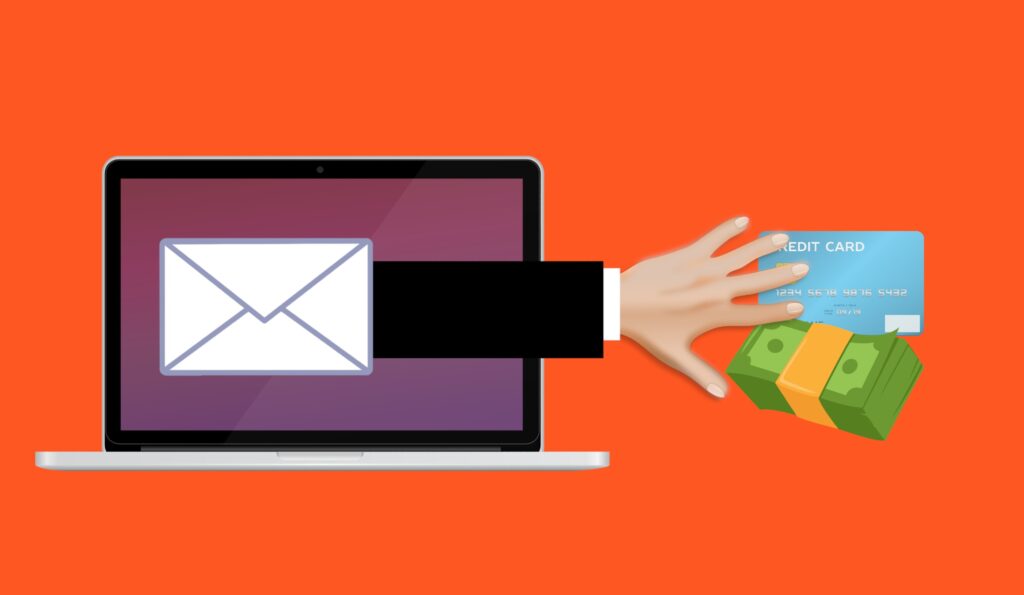
Beware the next generation of phishing attacks
Most phishing scams still feel a little… amateur.
But the next shift is dangerous.
Attackers are changing how scams are built, not just how they’re sent. And the signs people have been trained to look for won’t always be there anymore…
The Essential Checklist for Securing Company Laptops at Home
At home, security incidents don’t look like dramatic movie hacks. They look like stepping away from your laptop during a delivery, or leaving it unlocked while you grab something from another room. Those ordinary moments, repeated over time, are how work devices end up exposed. A remote work security checklist focuses on simple, practical controls that hold up in real … Read More
It’s time to govern your team’s AI use
Quick question: Do you know how your team is using AI at work?
Not how you think they’re using it, but how they’re really using it?
Most businesses don’t. And that’s where the risk creeps in…
The 2026 Guide to Uncovering Unsanctioned Cloud Apps
If you want to uncover unsanctioned cloud apps, don’t begin with a policy. Start with your browser history. The cloud environment most businesses actually use rarely matches the one shown on the IT diagram. It’s built through countless small shortcuts: a “just this once” file share, a free tool that solves one problem faster, a plug-in installed to meet a … Read More
Stop Ransomware in Its Tracks: A 5-Step Proactive Defense Plan
Ransomware isn’t a jump scare. It’s a slow build. In many cases, it begins days, or even weeks, before encryption, with something mundane, like a login that never should have succeeded. That’s why an effective ransomware defense plan is about more than deploying anti-malware. It’s about preventing unauthorized access from gaining traction. Here’s a five-step approach you can implement across … Read More
Don’t forget to protect your browsing privacy
Your mobile browser knows a lot more about you than you think.
Not just the sites you visit, but patterns, habits, clues about your business.
Most people never check what’s being shared or stored behind the scenes.
It’s time you take a look…
How to Run a “Shadow AI” Audit Without Slowing Down Your Team
It usually starts small. Someone uses an AI tool to refine a difficult email. Someone enables an AI add-on inside a SaaS app because it promises to save an hour a week. Someone pastes a paragraph into a chatbot to “make it sound better.” Then it becomes routine. And once it’s routine, it stops being a simple tool decision and … Read More